Torn Spotlight Search

Navigate Torn Faster

You will need to install an extension such as Tampermonkey, Greasemonkey or Violentmonkey to install this script.

You will need to install an extension such as Tampermonkey or Violentmonkey to install this script.

You will need to install an extension such as Tampermonkey or Violentmonkey to install this script.

You will need to install an extension such as Tampermonkey or Userscripts to install this script.

You will need to install an extension such as Tampermonkey to install this script.

You will need to install a user script manager extension to install this script.

(I already have a user script manager, let me install it!)

You will need to install an extension such as Stylus to install this style.

You will need to install an extension such as Stylus to install this style.

You will need to install an extension such as Stylus to install this style.

You will need to install a user style manager extension to install this style.

You will need to install a user style manager extension to install this style.

You will need to install a user style manager extension to install this style.

(I already have a user style manager, let me install it!)
Autor
Jayam
Dnevne instalacije
0
Ukupno instalacija
183
Ocene
2 0 0
Verzija
beta-2.5.3
Napravljeno
29. 06. 2024
Ažurirano
14. 09. 2024
Size
30,7 КБ
Licenca
Apache-2.0
Važi za

Torn Spotlight Search

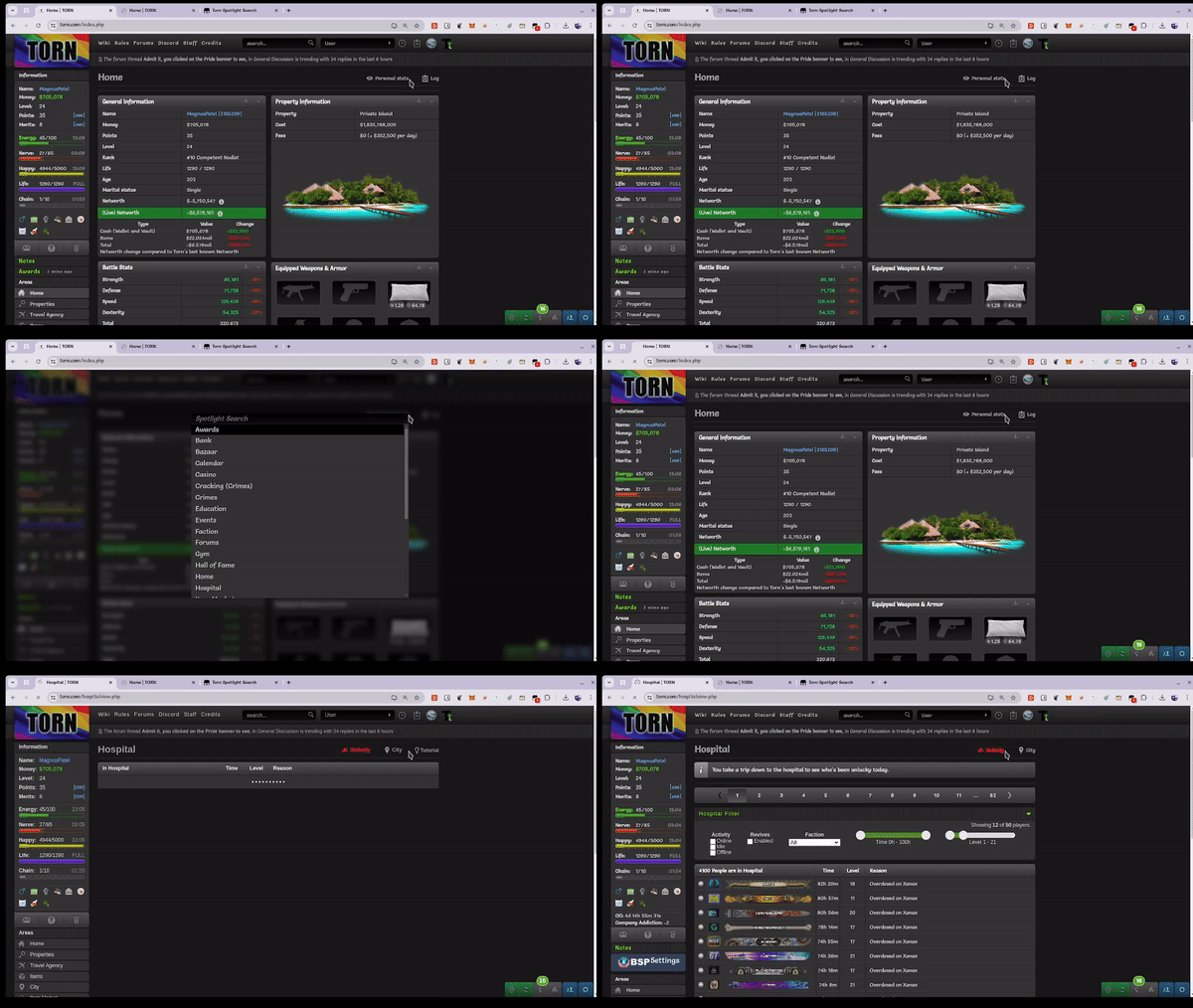
Navigate Torn with keyboard shortcuts via Spotlight Search.

torn-spotlight-search

Configuration

  1. Change mainKey to your preffered key.
  2. Update pressControlKey, pressShiftKey and pressAltKey for key combinations you want to use.
  3. Add / Remove / Update items in urlDictionary based on your needs.

Updates yet to come

  • [ ] Proper highlighting and styling of Spotlight Search.
  • [ ] Easier way to customize and store key combinations.